AWS IaC Generator: Turn Plain English into Reviewed, Policy-Checked Terraform

Hardik Shah
Cloud Architect & AWS Expert
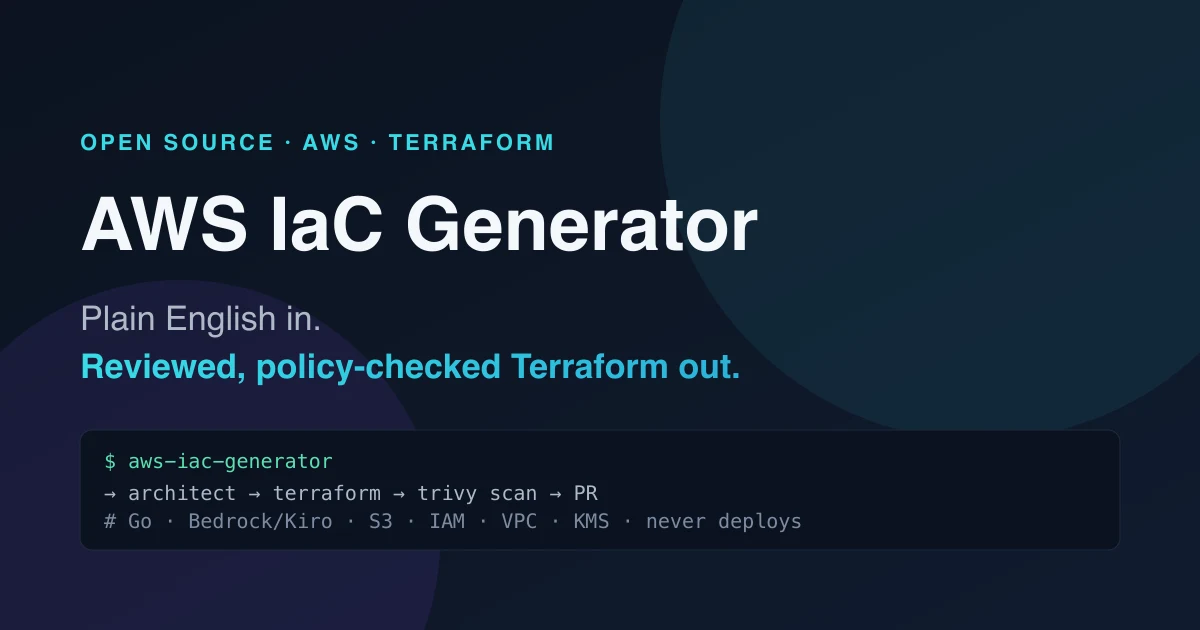
Describing infrastructure is the easy part. You can say “I need a private S3 bucket encrypted with a customer-managed KMS key, locked down to one IAM role” in a single breath. Turning that sentence into Terraform that actually validates, follows least privilege, and survives a security scan is where the afternoon goes.
I built AWS IaC Generator to close that gap. It’s a pipeline that takes a plain-English infrastructure requirement and produces reviewed, policy-checked Terraform: generated, validated, and scanned, but never deployed. The whole thing runs locally as a Go server with a small React UI, and it works with or without an LLM connected.
Why “generate, don’t deploy”
Most “AI writes your infra” demos go straight from prompt to apply. That’s the scary part. A model hallucinating a wide-open security group is a code review comment; the same mistake applied to a live account is an incident. AWS IaC Generator deliberately stops at generated, reviewed code. The backend runs in a strict backend=false mode: it never touches an AWS account, and model output is always treated as untrusted data, not as commands. Generated filenames are constrained to *.tf basenames so a creative model can’t write outside the workspace.
The result is a tool you can drop into a review workflow without handing an LLM your production credentials. Scope is intentionally narrow for now: S3, IAM, VPC, and KMS, the four services where getting the policy wrong hurts most.
The six-stage pipeline
A request flows through six stages, and every stage streams its progress back to the UI over Server-Sent Events so you watch the code take shape in real time:
- Architect: normalizes your free-text requirement into a structured topology brief.
- Terraform: generates strict JSON, which is converted into
.tffiles. - Security: runs
terraform validateplus a Trivy scan, failing on HIGH/CRITICAL findings. - Pull Request: assembles a PR representation of the change set.
- Release: a release-stage simulation.
- Cloud: a cloud-readiness assessment.
The security stage is the one that earns its keep. If validation fails or Trivy flags a HIGH/CRITICAL issue, the pipeline doesn’t just give up. It retries generation automatically, up to twice by default, feeding the failure back in. The model gets a second chance to fix its own mistake before a human ever sees the diff.
Three LLM backends, auto-selected
The model layer is pluggable and picks itself at startup based on what’s in your environment, in priority order:
| Backend | Trigger | Use it for |
|---|---|---|
| Kiro CLI | KIRO_API_KEY | Highest priority when set |
| Amazon Bedrock (Converse API) | BEDROCK_MODEL_ID | Real generation on AWS models |
| Offline fixtures | (neither set) | Demos and CI: no network needed |
The offline path matters more than it sounds. It means you can run the full pipeline, click through the UI, and write tests against it without an API key, a network call, or a single cent of model spend.
Running it
You need Go 1.26, Node 20+, or just Docker, plus the terraform andtrivy binaries on PATH. The fastest path is the Makefile:
Point it at a real model by setting one env var:
Prefer the terminal? There’s a CLI mode that runs a single requirement end to end:
The API
The UI is a thin client over one endpoint. POST /pipeline returns a Server-Sent Events stream: each event carries a stage update, the generated files, or the validation results, so anything you build on top gets the same live, stage-by-stage view the web UI does:
One honest caveat: by default the API ships with no auth and no rate limiting. It’s built to run locally or behind your own gateway, don’t expose /pipelineto the open internet as-is.
How it’s built
The backend is Go 1.26: the pipeline orchestration, the SSE streaming, the Trivy and Terraform shell-outs, and the JSON-to-.tf conversion all live there. The frontend is a React SPA built with Vite. Trivy handles policy scanning, Terraform handles validation, and Docker Compose ties it together for a one-command run. The guardrails (no deploys, untrusted-output handling, constrained filenames) are baked into the Go layer, not bolted on as an afterthought.
Where it goes next
The interesting frontier is widening the supported-resource set beyond S3/IAM/VPC/KMS without loosening the security gate, and turning the “PR representation” stage into a real pull request against a target repo. The shape is already right: generate, validate, scan, retry, review, with a human always between the model and the cloud.
About Hardik Shah
Hardik built the AWS IaC Generator, so the six-stage pipeline described here is his own code and his own list of things that went wrong on the way. He works on AWS platforms and Terraform tooling day to day.