AWS Lambda MicroVMs: VM Isolation Meets Serverless State

Hardik Shah
Cloud Architect & AWS Expert
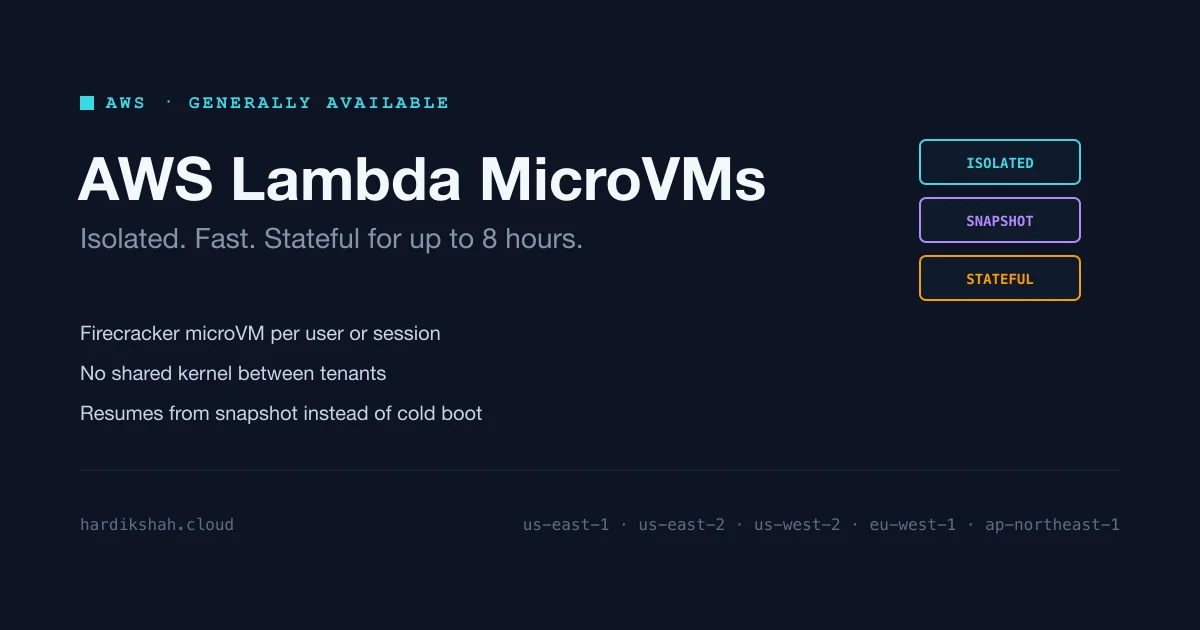
AWS Lambda MicroVMs went GA on June 22, 2026. Each user or session gets its own Firecracker microVM: isolated like a VM, fast like Lambda, and able to hold state across requests for up to 8 hours. No single AWS compute service combined all three before.
- Regions: US East (N. Virginia, Ohio), US West (Oregon), Europe (Ireland), Asia Pacific (Tokyo)
- Built on Firecracker: same tech behind 15+ trillion monthly Lambda invocations
- No shared kernel, no shared resources between tenants
- Suspends and resumes from a snapshot instead of cold-booting, up to 8 hours
Not a Lambda Replacement
- Lambda Functions still own event-driven request/response: API calls, queues, cron
- MicroVMs cover one narrow case: a dedicated, isolated environment per untrusted user/session that stays alive across requests
- Typical pattern: a Lambda function handles routing, then calls out to a MicroVM for anything it doesn't trust to run in its own environment
Build an Image
Start from a Dockerfile. AWS's example, a minimal Flask app:
Zip it, push to S3, then build:
- Lambda actually runs the Dockerfile, boots the app, then snapshots the running disk + memory state, not just a filesystem layer
- That snapshot is what makes launch fast later
- Build logs stream to CloudWatch under
/aws/lambda/microvms/<image-name>
Gotcha
It's a snapshot of a running process. Any per-instance init (random seed, fresh connection, one-time token) gets baked in and reused on every resume unless you hook into the service's re-init callbacks. A DB connection opened at import time won't just reconnect on resume.
Launch and Idle Policy
Launching returns a dedicated HTTPS endpoint per instance (HTTP/2, gRPC, WebSocket) authenticated via an X-aws-proxy-auth token.
- No traffic for 15 min (
maxIdleDurationSeconds) → suspends, billing stops - Next request → auto-resumes from snapshot, not a cold boot: packages, models, files already there
- Hard cap: 8 hours total lifetime including suspends, then it's gone
- Need longer-lived state? Use EC2, ECS, or a database-backed session instead
Specs
- Architecture: ARM64 only, no x86_64
- CPU: up to 16 vCPUs
- Memory: up to 32 GB
- Disk: up to 32 GB
- Max lifetime: 8 hours including suspends
- Deploy paths: Lambda console, CloudFormation, CDK, or the Agent Toolkit for AWS
Who Actually Needs This
- AI coding assistants: per-user sandbox, survives across turns, no shared kernel with other sessions
- Interactive code environments (hosted notebooks, per-user shells)
- Data analytics platforms running per-tenant jobs
- Vulnerability scanners executing untrusted code
- Game servers running user-supplied scripts
Common thread: you don't control the code about to run, and one tenant can't be allowed to see another's. If that's not your shape, skip it. Plain Lambda is cheaper for stateless work, and EC2/Fargate is still the better fit for a long-lived trusted service.
Pricing
No exact figures in the announcement. AWS's language: "You pay for baseline compute resources while your MicroVM is running, and only for the active duration of additional resources consumed when your workload exceeds the baseline." Paired with idle-policy suspend, a MicroVM sitting idle past maxIdleDurationSeconds stops costing compute time. Check the pricing page for real numbers before sizing anything.
Getting Started
- Write a Dockerfile against a MicroVMs base image (
public.ecr.aws/lambda/microvms:al2023-minimalor similar) - Zip, push to S3, run
create-microvm-image - Watch CloudWatch (
/aws/lambda/microvms/<image-name>) for build failures - Launch with a conservative idle policy, tighten once you know real traffic gaps
- Authenticate each endpoint call with its own
X-aws-proxy-authtoken, don't reuse across sessions - Check snapshot re-init hooks if startup does anything unique per instance
Firecracker's been running Lambda for years. What's new is AWS exposing the primitive it was always capable of: pause a VM's full state, hand back the compute, resume it later like nothing happened. If you're running always-on containers just to keep per-user state warm, check what this does to your next bill.
About Hardik Shah
Hardik is a Cloud Architect who reads AWS release notes for the isolation and runtime details rather than the announcement copy. Firecracker and how Lambda actually schedules work is the sort of thing he digs into for fun.