Why Your Website Needs an SSL Certificate, and When Free Is Not Enough

Hardik Shah
Cloud Architect & AWS Expert
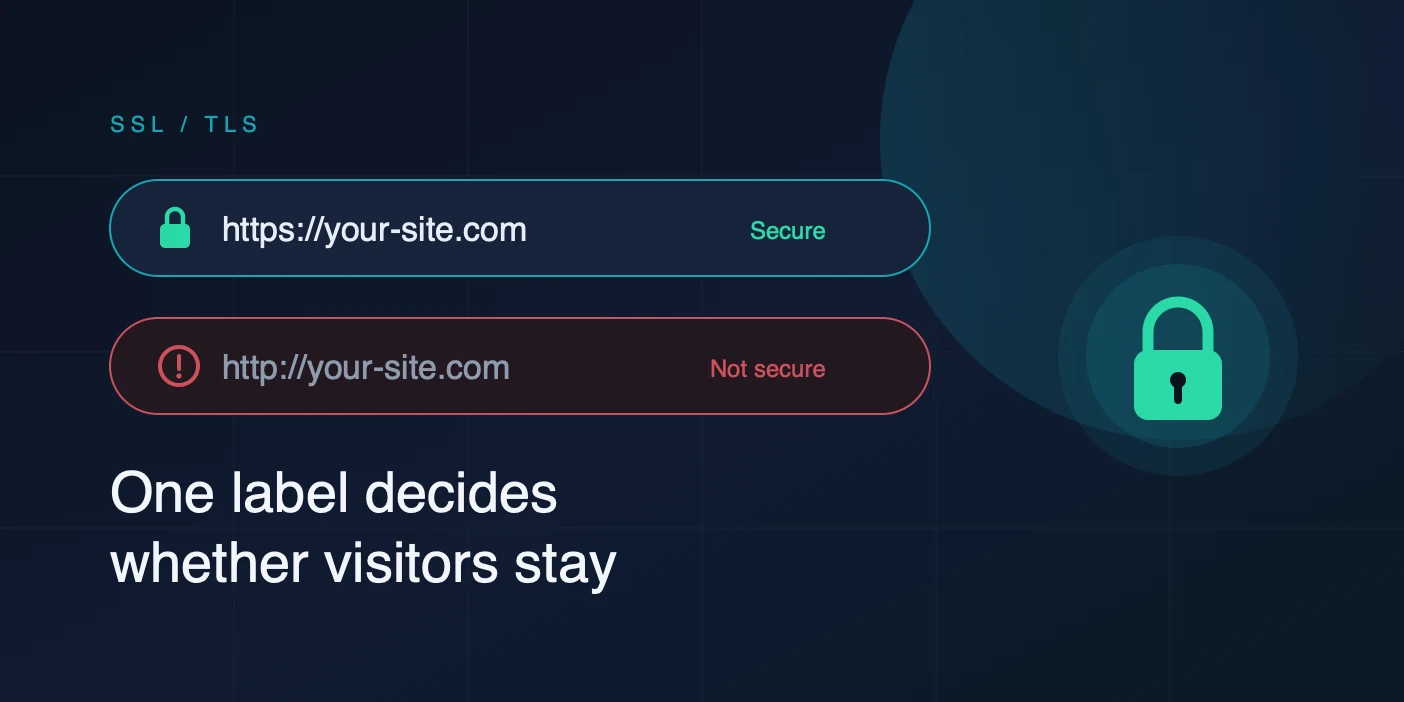
Open any site over plain HTTP in Chrome and the address bar says “Not secure” before the page finishes painting. That label has been there since Chrome 68 shipped in July 2018. Most visitors will not read your copy, check your pricing, or type a card number after they see it. A TLS certificate is the cheapest thing you can buy that removes it.
What Plain HTTP Actually Leaks
HTTP has no encryption and no integrity check. Every byte between the browser and your server travels as readable text, and anyone who can see the traffic can also change it. “Anyone” is a longer list than people expect: the café Wi-Fi access point, every router between you and the origin, the ISP, a compromised home router, whoever set up the hotel network.
Reading the traffic is the obvious problem. Login form posts, session cookies, API tokens in query strings, the contents of a contact form. A session cookie is enough on its own. Grab it off the wire and you are logged in as that user without ever knowing the password.
Rewriting the traffic is the problem people forget. Without integrity protection there is nothing stopping a network operator from injecting into the response body. This is not hypothetical. Comcast injected bandwidth-usage banners into customers’ HTTP pages, and hotel networks have been caught inserting ad scripts into pages that were not theirs. If an attacker can inject, they can inject a script tag, and at that point the page belongs to them.
The Browser Features You Silently Lose
Beyond the warning label, a lot of the modern web platform is gated behind what the specs call a secure context. On HTTP these simply do not work:
- Service workers, so no offline support and no installable PWA
- Geolocation, camera, and microphone, which browsers refuse to prompt for over HTTP
- Web Crypto (
crypto.subtle), undefined on insecure origins - HTTP/2 and HTTP/3. No browser negotiates either without TLS, and HTTP/3 runs on QUIC, which builds TLS 1.3 into the transport. Staying on HTTP means staying on HTTP/1.1 and its six-connections-per-host ceiling.
Google confirmed HTTPS as a ranking signal in August 2014. It is a light signal on its own, but it compounds with the performance you lose by being stuck on HTTP/1.1 and with the bounce rate the warning label produces.
Half-Migrating Is Worse Than Not Migrating
The usual failure is a site that serves HTML over HTTPS and then pulls an image, a stylesheet, or a script over http://. Browsers block active mixed content outright, so that script never runs and the page breaks in a way that produces no visible error for a non-technical owner. Passive mixed content like images loads but strips the padlock.
Two headers fix the common cases. The first tells the browser to upgrade any HTTP subresource reference to HTTPS instead of blocking it, which is a useful stopgap for old content you cannot edit. The second tells the browser never to try HTTP for your domain again.
Order matters. HSTS with includeSubDomains on a domain where one subdomain is still HTTP-only will make that subdomain unreachable for the full max-age, and browsers cache it hard. Ship HTTPS everywhere first, then the header.
DV, OV, EV: What You Are Actually Buying
Every certificate encrypts identically. AES-128-GCM over TLS 1.3 is the same whether the certificate cost nothing or cost 300 dollars a year. What changes with price is how hard the Certificate Authority worked to confirm that you are who the certificate says you are, plus what the CA owes you if it gets that wrong.
- DV (Domain Validation): the CA proves you control the domain, usually via a DNS TXT record or a file at a known path. Issued in minutes. Says nothing about who runs the company.
- OV (Organization Validation): the CA also checks your business registration, address, and phone number against public records. Takes one to five business days. Your legal entity name ends up inside the certificate, where anyone inspecting it can see it.
- EV (Extended Validation): the strictest vetting, including signing authority checks. Five to ten business days. Browsers removed the green company name from the address bar back in 2019, so EV no longer buys you a visual cue, only the identity record in the certificate itself.
Then there is coverage. A single-domain certificate covers one hostname. A wildcard covers *.example.com at one level, so api.example.com is covered and v2.api.example.com is not. A multi-domain (SAN) certificate covers a list of unrelated hostnames on one certificate. If you run more than three or four subdomains, a wildcard usually costs less than the certificates it replaces and removes three or four renewals from your calendar.
When Free Is The Right Answer
I run infrastructure for a living and I use Let’s Encrypt on most of it. If your server can run an ACME client, if you control DNS through an API, and if a DV certificate is all you need, free is correct and I am not going to pretend otherwise. Certificates renew every 90 days without anyone touching them, and cert-manager or Caddy or certbot handles it.
Paid certificates earn their price in specific situations:
- You need OV or EV. No free CA issues them. If a procurement team, an insurer, or a payments partner asks for a certificate carrying your legal entity name, free is not an option.
- You want the warranty.Paid certificates carry a CA-backed financial guarantee against mis-issuance. Sectigo PositiveSSL carries 50,000 dollars. Let’s Encrypt carries zero, by design.
- ACME will not run. Load balancer appliances, embedded devices, air-gapped internal hosts, anything where port 80 is closed and the DNS provider has no API. A one-year certificate you install by hand beats a 90-day one you cannot renew.
- You want someone to call.Let’s Encrypt is a community forum. If a certificate breaks production at 2am and you need a human, that human costs money.
Where SSLs.com Fits
If you land in one of those four cases, the next question is where to buy. Certificate Authorities sell direct at list price, and resellers buy in volume and sell for substantially less. The certificate is byte-for-byte the same chain either way, because it is the same CA signing it.
SSLs.com is one of those resellers, operating on Sectigo (formerly Comodo) certificates, the largest commercial CA by active certificate count. The specifics worth knowing:
- DV certificates run roughly 3.75 to 7.95 dollars a year, against list prices in the tens of dollars for the same Sectigo product
- EV certificates start around 75.99 dollars a year
- DV issuance takes 5 to 15 minutes; OV takes 1 to 5 business days; EV takes 5 to 10
- 24/7 support staffed by people rather than a chat bot
- Unissued certificates are refundable for 90 days, issued ones for 15 days
Two things to go in knowing. Refunds come back as SSLs.com account credit, not to your card, so treat a purchase as committed spend rather than a trial. And SSLs.com sells certificates and nothing else, no domains and no hosting, which is a plus if you like narrow tools and a minus if you wanted one vendor for everything.
Affiliate link. Same price for you.
Installing It Without Breaking Anything
Whichever CA you use, the mechanics are the same. Generate a key and a CSR, hand the CSR to the CA, prove domain control, get a signed certificate back, then serve it with the intermediate chain attached.
The single most common install bug is a missing intermediate. Your browser has the Sectigo root cached from a previous site and shows a padlock, while a fresh Android client or a curl from CI fails with an unknown-authority error. Concatenate the leaf and the intermediate bundle into one file and point nginx at that:
You want verify return:1 and at least two certificates in the chain. If you see unable to get local issuer certificate, the intermediate is missing.
Set The Renewal Reminder Now
The CA/Browser Forum has been cutting maximum certificate lifetimes for years, and the ratified schedule takes them to 47 days by March 2029. A one-year certificate you install by hand today is a shorter-lived habit than it looks. Whatever you buy, put the expiry in a calendar and add an external check, because an expired certificate produces a full-page browser interstitial that is worse for conversions than plain HTTP ever was.
The Short Version
Serving a site over plain HTTP in 2026 costs you a warning label, HTTP/2 and HTTP/3, a ranking signal, service workers, and any claim that your visitors’ data is private. There is no upside left.
If you can run an ACME client and DV is enough, use Let’s Encrypt and spend nothing. If you need organization validation, a warranty, a certificate on a box that cannot automate renewal, or support with a phone number, buy one, and buy it from a reseller rather than at CA list price. SSLs.com is where I point people for that, and yes, that link pays me a commission.
About Hardik Shah
Hardik is a dedicated Cloud Architect specializing in AWS solutions and DevOps automation. With years of industry experience, he focuses on building scalable, resilient architectures and sharing technical insights to help teams optimize their cloud-native journeys.